

The Cheap, Fast and Easy Way to Recruit Users
For the past year I’ve been experimenting and fine tuning a light weight recruitment method which makes it possible to recruit 5 random users within a few days with a very reasonable amount of money and effort.
If you are anything like me you’re probably talking a whole lot about how including real human users in your design process is very important. But what happens when your PO finally gives in and agrees to dedicate a full day to user testing? Then you actually have to find and contact those human beings you were talking so much about. It generally seems to me that one of the biggest obstacles for leading a truly user-centered design process is finding users to invite for user tests. Well – fear not!
What follows is a fairly comprehensive guide to recruiting users through a targeted Facebook ad in combination with a survey and a few phone calls. The guide is a white labelled edition of a check list I wrote on our company intranet listing the general steps anyone could take to arrange a user test.
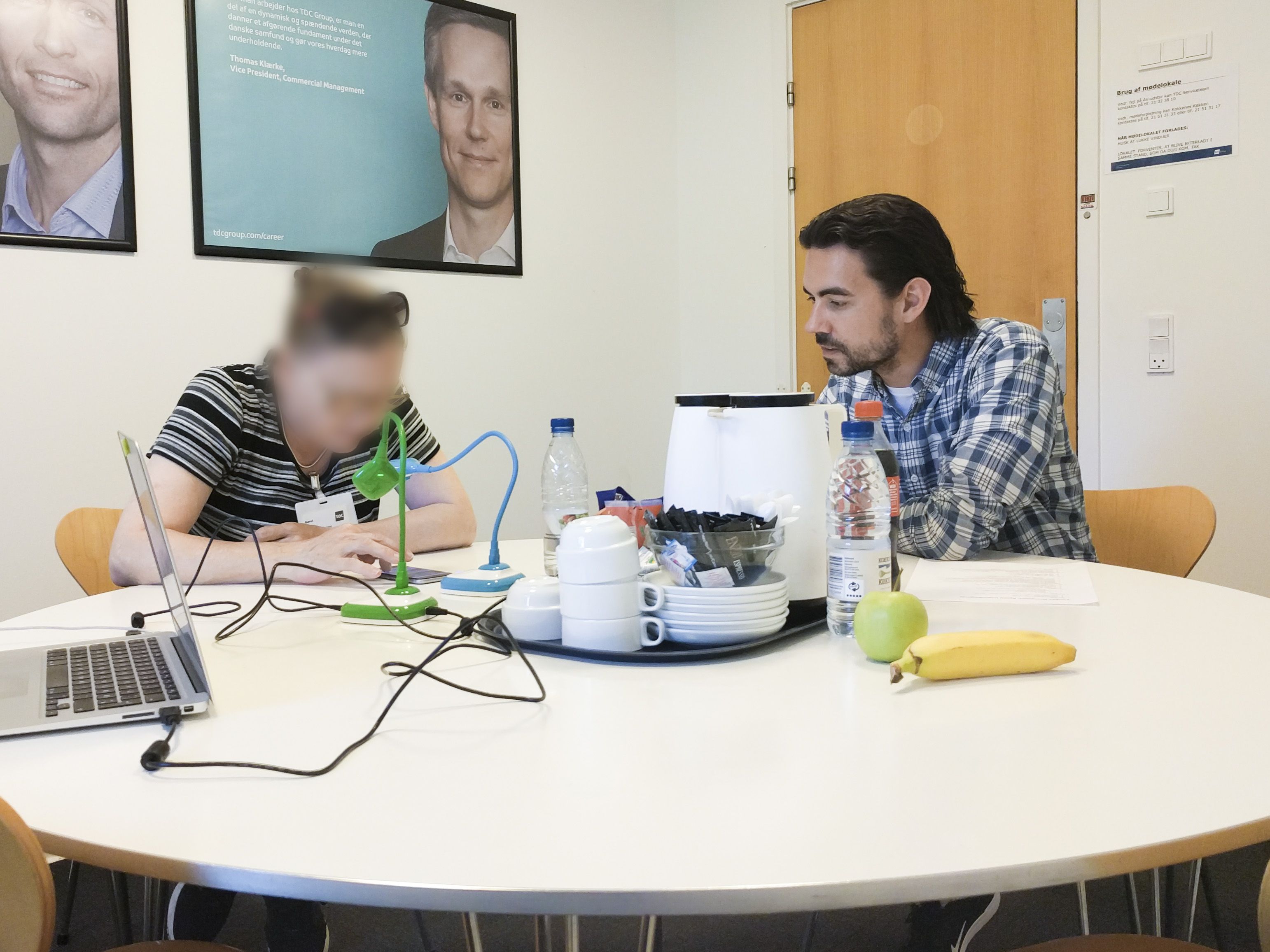
The practical test setup described is inspired by the method recommended by the GV Design Sprint guys and is in turn an on-site usability test with five real customers being live-streamed from an interview room to an observation room where the other team members observe and take notes.
The method in brief
- What: Recruit user test participants via a targeted Facebook ad and a survey.
- Why: It’s a fast, cheap and easy way to conduct moderated on-site user tests with real customers. The pilot run of this method produced 47 entries (contact info of people from the target group wishing to participate) within 8 hours and cost less than 300 DKK.
- Who: Anyone should be able to perform the practical tasks required to plan the user test. The moderator of the test may need some basic knowledge of interview technique and ethics.
- How: Well, here’s what you do…
Any time prior to Test Day
- Agree with the rest of the team on what is to be tested (assumptions, uncertainties, curiosities, etc.)
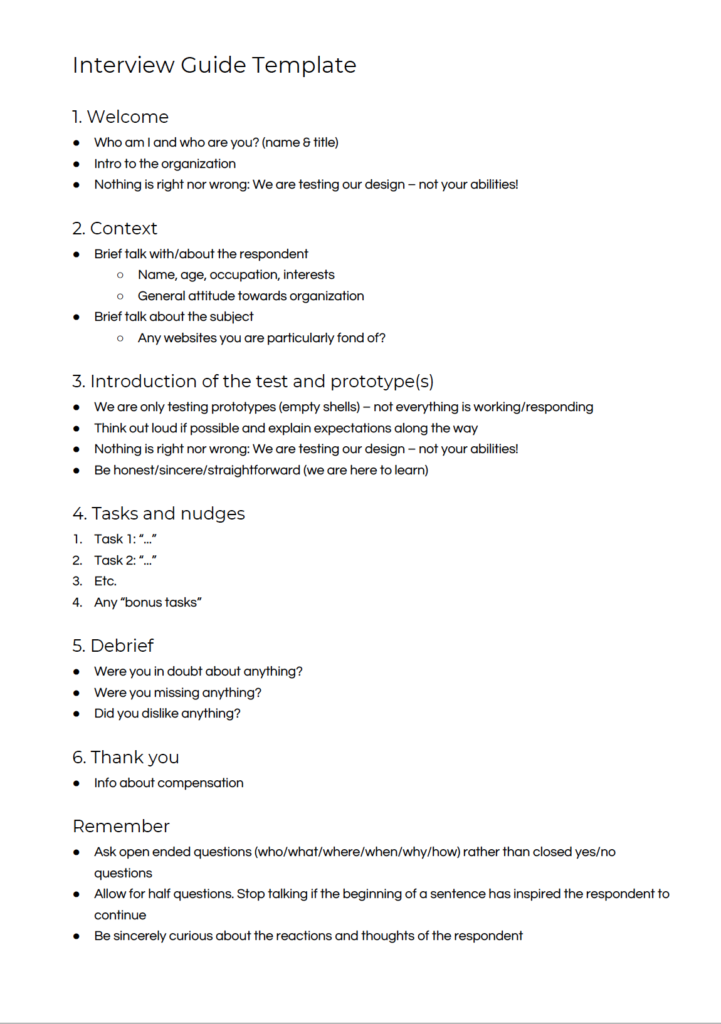
- Write an interview guide [example] with questions and tasks exposing the above
- Prepare the prototype(s)
- Retrieve/edit and print consent forms [example from usability.gov]
One week prior to Test Day
- Create/duplicate & edit survey template in your tool of choice [example from Survey Xact]. This is where it gets tricky GDPR-wise. However, you’ll only need the personal information of the respondents for a short amount of time after which you can dispose of it all. The essential information to retrieve is:
- First name (so you can address your communication moving forward)
- Phone number (to call and invite and to send an SMS reminder)
- Email address (to send practical information and gift certificate)
- Availability during test day (making it extremely easy for you to coordinate the schedule for the day)
- Prepare Facebook ad assets
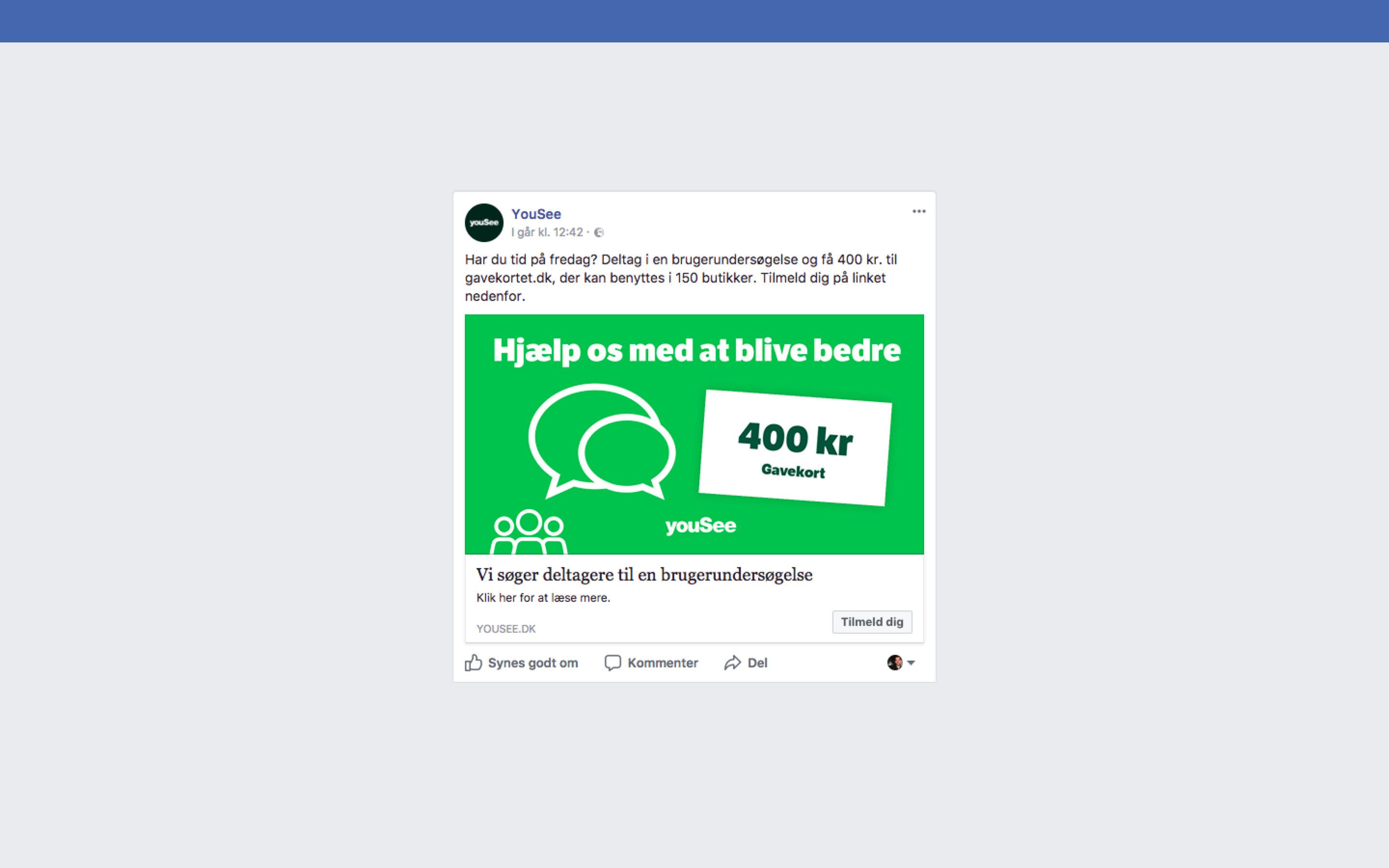
- Target group (age span, area) [example: 40 – 60 years of age, Living in the Greater Copenhagen Area, both customers and non-customers]
- Image for ad (1200 x 629 px) [example]
- Text for ad [example: ”Do you have time to spare this [weekday]? Fill out this survey and apply to be one of our testers. If you’re chosen you’ll get a gift certificate of 400 DKK for your time. We’d really appreciate your feedback.”]
- URL to form
- Book a room for testing close to the reception/entrance
- Book a room for observing (or use a wall mounted screen in the office)

3 days prior to Test Day
- Distribute the Facebook ad [example]. Monitor amount of entries and stop the ad when you have enough
2 days prior to Test Day
- Call & invite respondents. Answer all wh-questions. Invite a backup person (one of the respondents who has claimed to be available all day) to stand by in case of no-shows.
- Create a schedule for the day – share with the team (bonus points for sharing the schedule with the entire company and inviting everyone to drop by some time during the day 🏅)
- Send out email to all participants with practical information [example]
1 day prior to Test Day
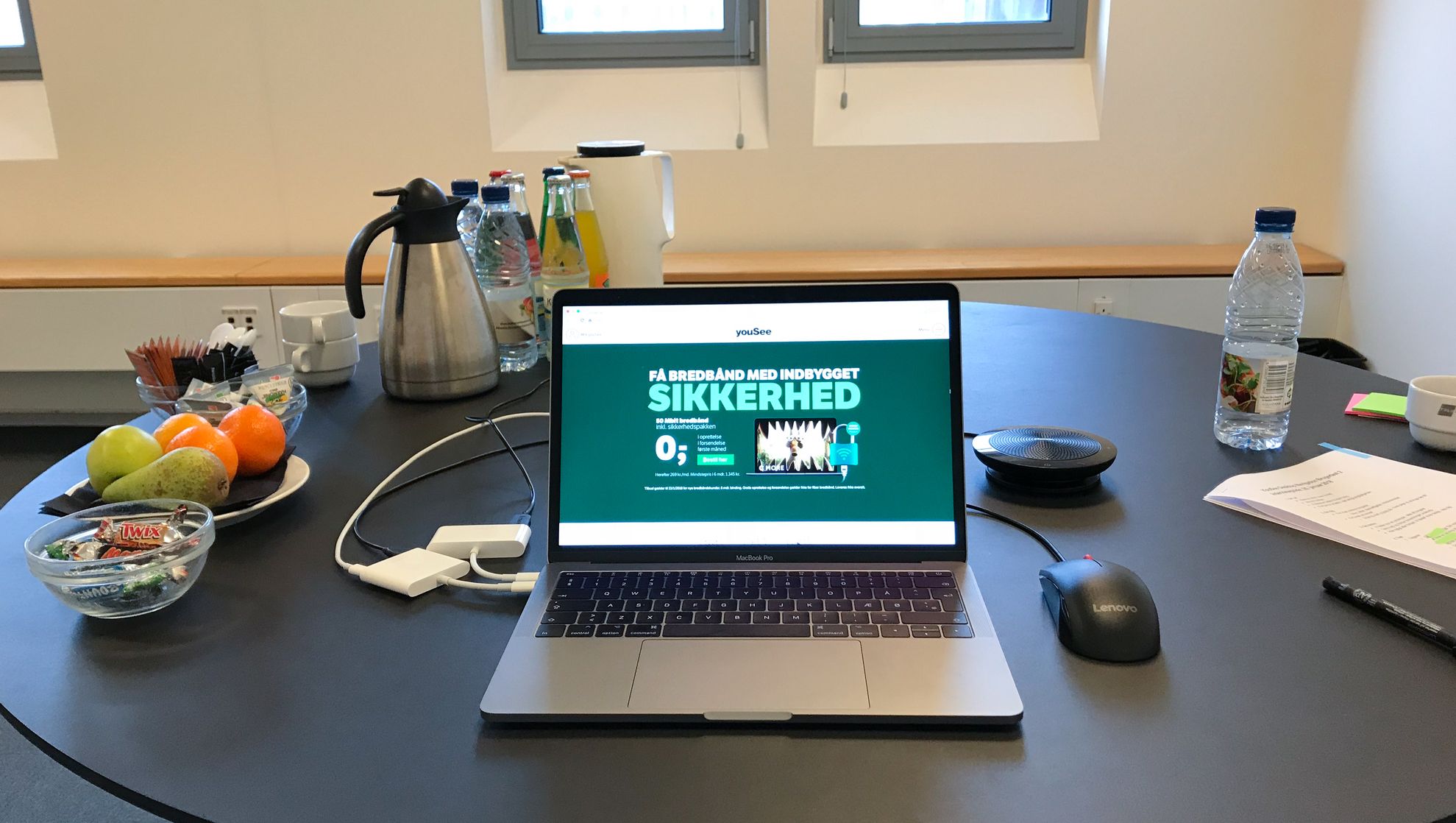
- Buy/order drinks and snacks [example: coffee, milk, sugar, hot water, tea, cups, water, sodas, candy, fruit]
- Notify the reception. Hand them a printed copy of the schedule.
- Retrieve and prepare test hardware
- Prepare test setup
- External microphone (optional)
- Connection (test WiFi in both locations)
- Document camera(s) if testing a mobile interface [example: HUE HD]
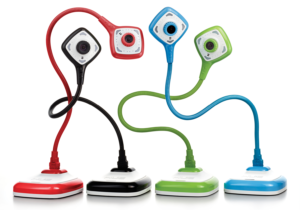
Hue HD Document Cameras - Video streaming software
- Method 1: Using conference software like Skype for Business, preferably two video streams – screen & face. This can be achieved by utilizing Skype’s screen sharing functionality if the screen of the transmitting computer contains a full screen video from the second camera)
- Method 2: (Remark from another team) We used a 3-way video conference with Skype for Business. One computer streaming the face of the test user, one computer streaming the phone. This way we had a very clear stream and close to zero delay, which is caused when setting up 2 cameras on one computer and screen sharing these to video streams. The compute rin the observation room was connected to the beamer, put on full-screen and had the two video screens in parallel next to each other.
- Method 3: Using video streaming software [OBS] in combination with an online streaming platform [YouTube Livestreaming]. Pros: Allows for simultaneous streaming and recording, supports multiple video streams in one image, should be very stable. Cons: We have to be very careful about keeping the stream private, it’s somewhat technical.
- Video streaming software
- Prepare observation setup
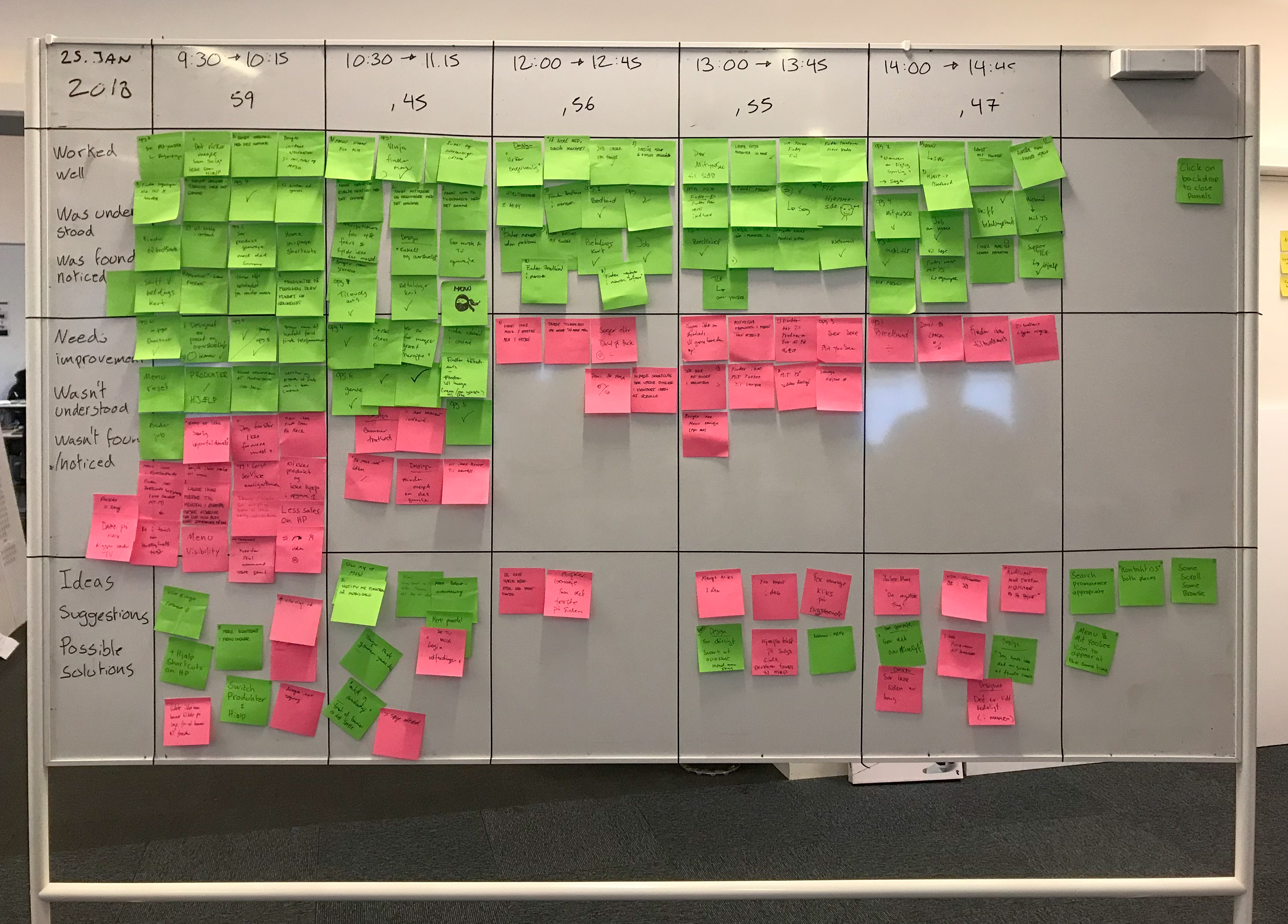
- Whiteboard [example]
- Post its (same size and color(s))
- Markers (same size and color)
- Print interview guide (two copies – one for the interviewer & one for the observation room)
- Send out SMS reminders to the invited participants [example:
- “Hi [name]. Just wanted to remind you of our appointment tomorrow [time] at [address]. Call or write me if you’re running late. See you! Best, [name] from [company]”]
Test Day
- Test setup
- Video (one way)
- Audio (one way!)
- Prepare drinks and snacks
- Communicate between test and observation rooms via SMS (calling is a bit obtrusive)
Shortly after Test Day
- Send out gift certificates [example: SuperGavekortet] with a thank you note [example: “Hi [name]. Here’s a gift certificate as a token of our appreciation for your help last [weekday]! Best, [name] from [company]”]
- IMPORTANT: Dispose of collected personal data (online and locally)
Cover image icon credit: Melinda Courey from the Noun Project