
The Two-Step Guide to Making Facebook Useful
The Facebook News Feed is designed to maximize the amount of time you spend in front of the screen. This simple guide shows how to avoid falling into the distraction trap and focus on the useful aspects of Facebook such as Events, Groups and Messages.
These days – like many others – I’ve begun to question the social value of social media. During the ten year period since I created my account the nature of Facebook has gradually shifted from being a place to share fun stuff with friends to being a place where politicians and organizations battle for my attention.
One piece of Facebook is particularly sneaky: The News Feed. This used to be a simple chronological list of fairly mundane posts keeping me up to date on what went on in the lives of my friends and acquaintances. Slowly but surely, however, it has turned into a devious mechanism carefully designed (and continuously optimized by machine learning) for keeping me engaged on Facebook as long and as often as possible. Tristan Harris did a great TED talk on this battle for attention – it’s well worth the 17 minutes!
The evolution of Facebook is not all bad news, though. Facebook is and does many things – some of which I still find very useful. That goes for Events, Groups and Messenger for example. Thus, simply getting rid of the News Feed seemed like it would go a long way in avoiding manipulation and distraction whilst maintaining my digital connection to the world (which would be lost in more drastic attempts to escape social media).
What follows here, then, is my method for systematically dodging the News Feed when accessing Facebook both by computer and smartphone.
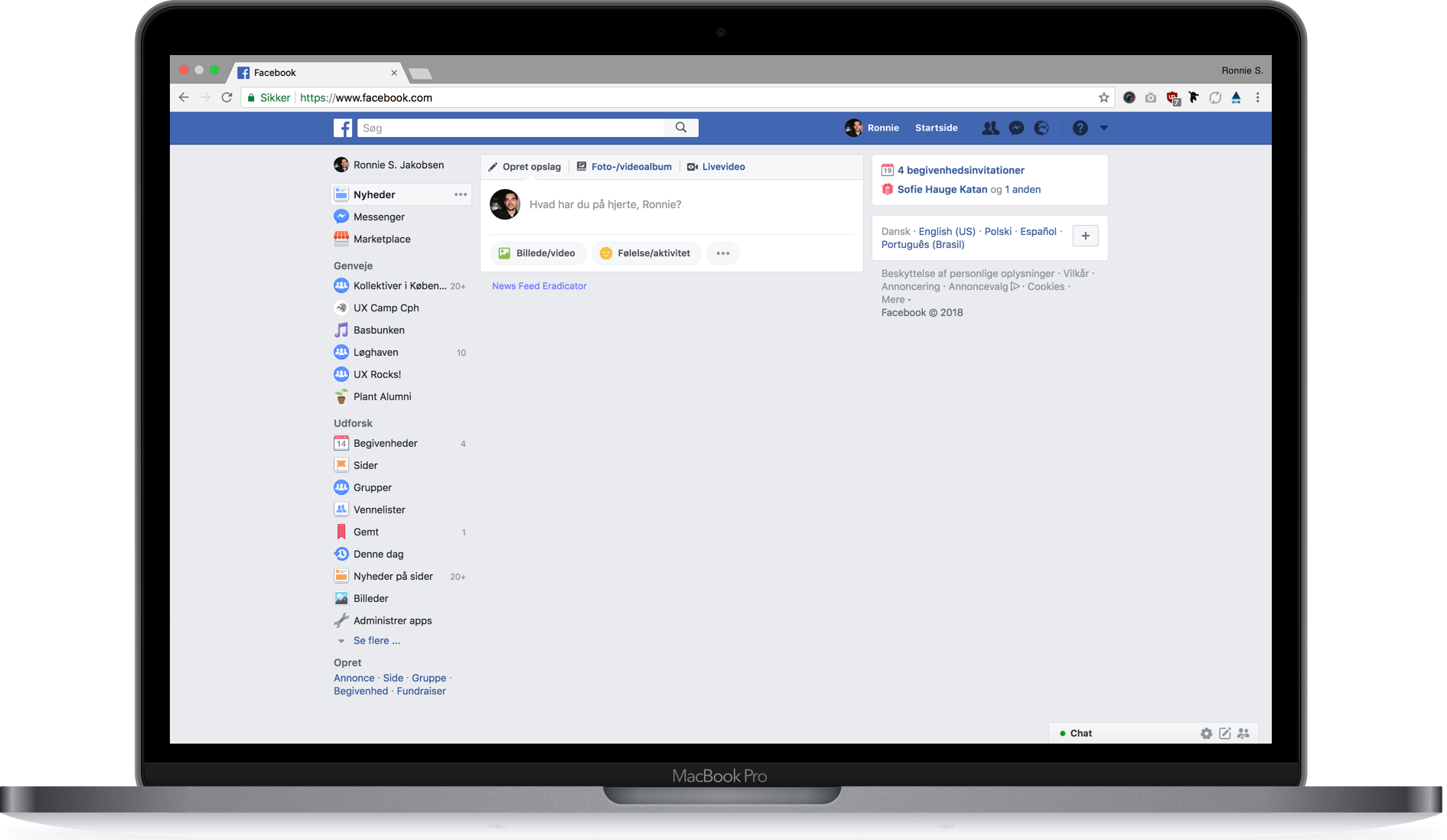
Step 1: ‘Eradicate’ the News Feed on Your Computer
News Feed Eradicator for Facebook is a Chrome plugin which will simply hide the News Feed on the Facebook website. It is simple, light weight and does exactly as advertised.
Step 2: Change the Default View to ‘Events’ on Your Phone
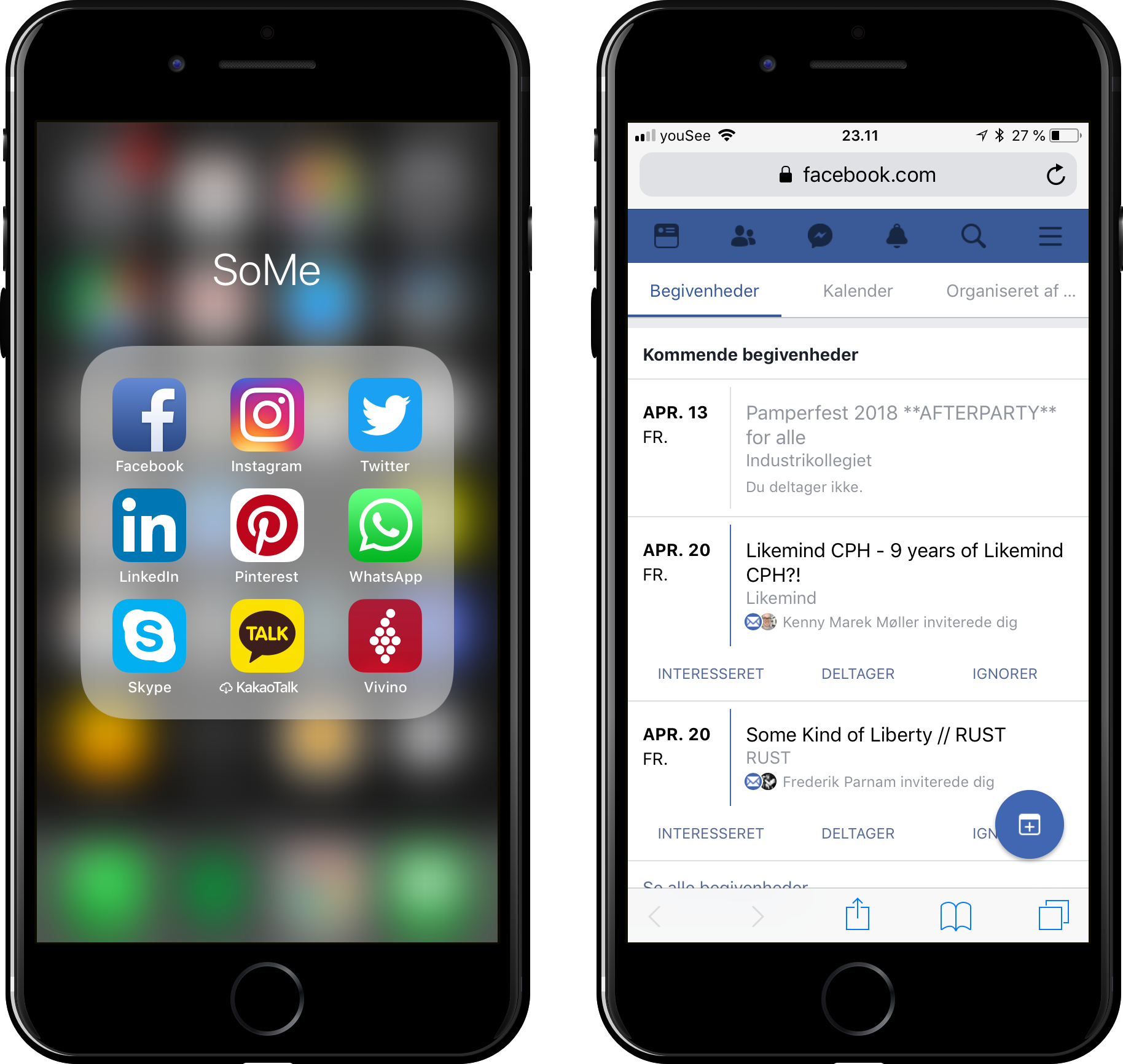
To circumvent the News Feed on a smartphone the app has to replaced with a home screen bookmark to any of the subpages of Facebook. I chose facebook.com/events since I generally find the events overview to be the most social aspect of the social network, but it could also be facebook.com/messages for example. For detailed instructions on adding a bookmark to the home screen visit Adam Dachis’ Lifehacker post on the subject.
Concluding thoughts
As of writing I’ve managed to dodge the News Feed for 8 weeks – I feel no less informed and considering my previous usage patterns I really must have saved tons of time avoiding my frequent mindless scroll sessions through the endless stream of Facebook “news”.